

Understanding User Research and Testing Methods
Learn practical approaches to research your users. Covers interviews, surveys, usability testing, and how to gather feedback that drives better design decisions.
Read ArticleLearn the foundational concepts that separate intuitive, delightful interfaces from confusing, frustrating ones. These principles guide designers worldwide.

Good interface design isn’t about making things look pretty. It’s about creating experiences where users understand what to do without thinking. When you visit a well-designed app, everything feels natural — buttons look clickable, information is organized logically, and you accomplish your goal without confusion.
These five core principles have guided designers for decades. Whether you’re building a mobile app, website, or desktop software, they’ll help you make decisions that put users first. The best part? You don’t need years of experience to apply them.

Users shouldn’t need to think about how to use your interface. Every element should have a clear purpose. Remove anything that doesn’t help users complete their task.
Think about your smartphone’s lock screen — just a swipe up. That’s simplicity. It’s not about minimalism for its own sake, but about removing unnecessary complexity. Apple’s original iPhone succeeded partly because they stripped away buttons and options, giving users one clear way forward.


Users build mental models about how your interface works. If buttons look the same way everywhere, they’ll know they’re buttons. If the navigation is always in the same spot, they’ll find it without thinking.
Consistency includes visual design (colors, typography, spacing), interaction patterns (how buttons respond to clicks), and terminology (don’t call the same thing “Save” in one place and “Submit” in another). When everything feels like it belongs to the same family, users feel more confident navigating your design.
“Users spend most of their time on other sites. This means that sites they use most should set your expectations.”
— Jakob Nielsen, UX Pioneer
When users click a button, they need to know something happened. Did it work? Is it loading? Did an error occur? Without feedback, users get anxious and start clicking again, making things worse.
Good feedback happens instantly. A button changes color when you hover over it — you know it’s clickable. A loading spinner appears when data’s being fetched. Error messages appear near the field that needs fixing, written in plain language, not cryptic codes like “Error 404: Resource Not Found.”

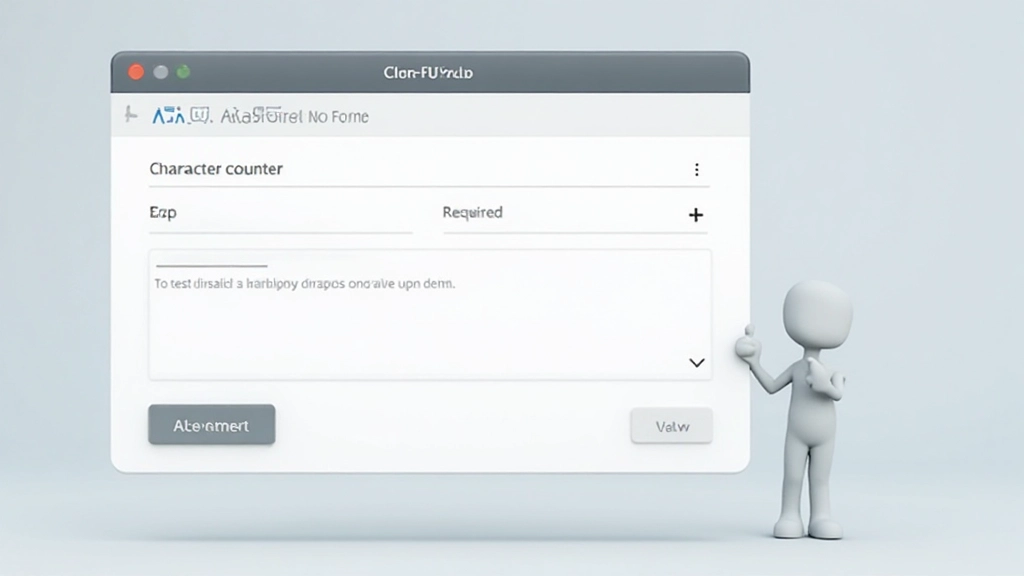
Constraints prevent mistakes before they happen. A date field that only accepts valid dates. A phone number field that formats automatically. A submit button that’s disabled until all required fields are filled.
Good constraints feel helpful, not restrictive. They’re like guardrails on a mountain road — you can still drive freely, but you won’t accidentally go off a cliff. When constraints are well-designed, users never make errors. They can’t.
The best part? Users barely notice constraints working. They just complete their task smoothly. That’s the goal — make the right path the easiest path.
Mapping means making connections between your design and how users already think about things. A shopping cart icon works because people understand shopping carts from real life. A trash can icon for delete makes sense because we throw away things we don’t want.
The best designs borrow from the physical world users know. A volume slider moves like a real volume knob. A calendar looks like a real calendar. File folders organize documents like real folders. You’re not inventing new concepts — you’re translating familiar ones into digital space.
Volume slider maps to physical knobs
Folders organize files like real cabinets
Trash icon for deletion matches reality
Inbox layout mimics email trays

These five principles aren’t separate ideas — they work together. Simplicity reduces what users need to learn. Consistency makes patterns predictable. Feedback answers questions. Constraints prevent mistakes. Mapping connects to what users already know.
When you’re designing your next interface, ask yourself: Is this as simple as it can be? Does it feel consistent with everything else? Will users know what happened? Can I prevent errors? Does this match how people think about the real world?
Look at an interface you use daily. Can you spot these five principles at work? Which ones are missing? Start noticing good design, and you’ll become better at creating it.
Explore More Design Topics


This article provides educational information about interface design principles. While these principles are widely recognized and applied by professional designers, the specific application of these concepts will vary based on your project context, user base, and business requirements. Every interface design project is unique, and you should adapt these principles thoughtfully rather than applying them as rigid rules. Consider consulting with experienced UX professionals for specific design challenges.